NEWS · GO TOOLS · 11 MIN READ
gopls 0.24: review error contracts, slice intent and editor memory
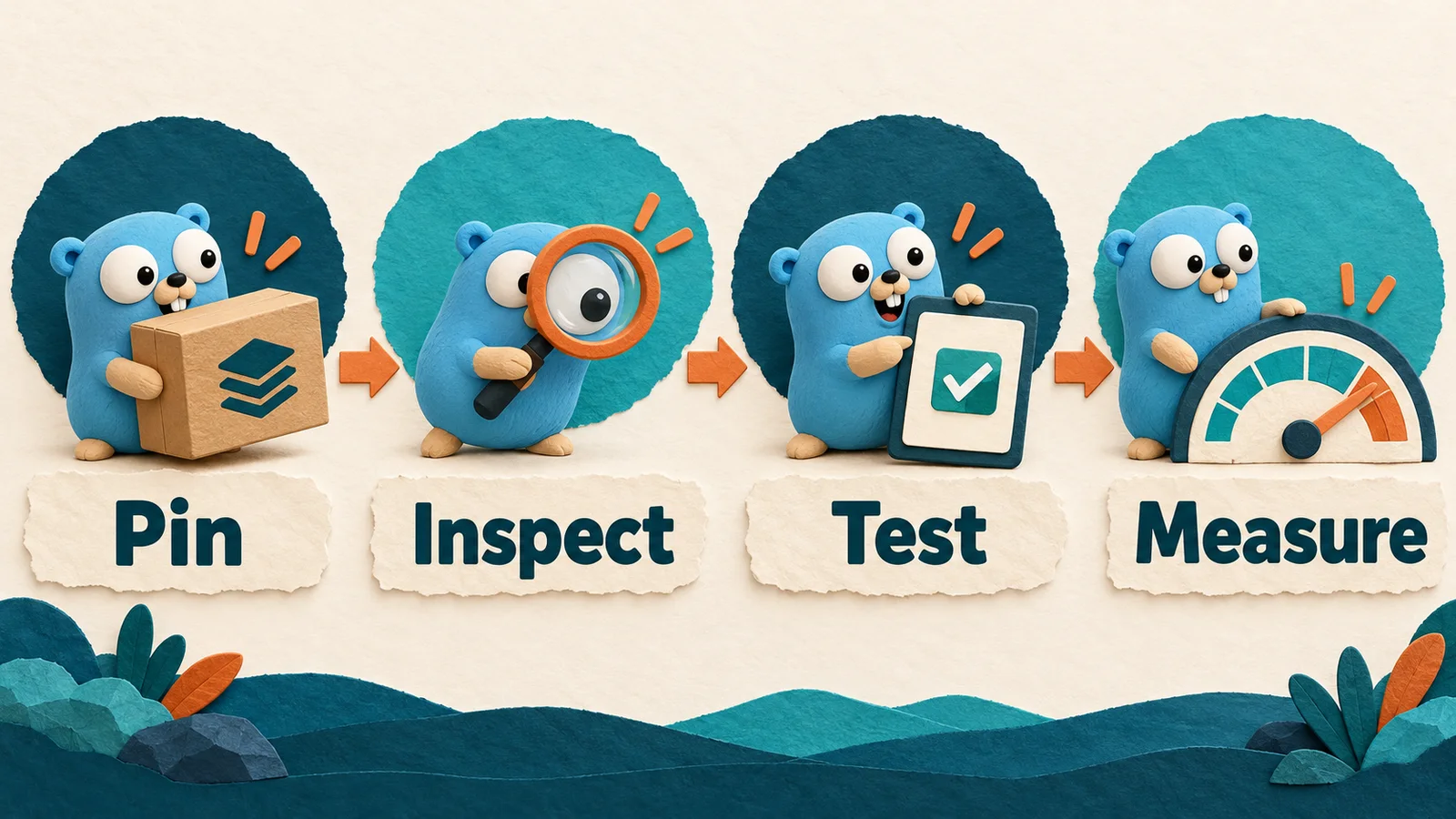
A practical adoption workshop for gopls v0.24.0: pin the tool, inspect pointer/value errors and Clip suggestions, then test semantics and measure workspace memory.
Edition: · Event: . Added to the archive on the publication date above. Sources and worked examples below.
A release worth reviewing through real contracts
The Go tools project released gopls v0.24.0 on 15 October 2026. Its release notes include the new ptrtoerror analyzer, a slicesclip modernizer and an experimental memoryLimit setting. Those changes make a useful editorial theme: editor assistance becomes more valuable when a developer can explain the contract behind the suggestion. We checked the primary release record and notes on 23 October; the release date and this article's actual publication date are deliberately separate.
This article is an original adoption workshop, not a comprehensive paraphrase of the changelog. We will use one error example, one slice boundary and a controlled workspace experiment to decide whether an upgrade helps a particular team. For the separate interaction model behind refactoring dialogs, see our earlier interactive gopls guide. Here the emphasis is on checking semantics and resource behavior before accepting an editor recommendation.
Inventory the language server your editor actually runs
A terminal and an editor can use different executables. Updating the first gopls on your shell's path does not prove that an already running editor process switched to it. Record the editor extension version, the language-server path reported by the editor, the active workspace and the toolchain used by that workspace. This creates an explanation when two developers see different diagnostics for the same repository.
go version
go env GOTOOLCHAIN GOWORK
gopls version
These commands are an inventory, not proof of the editor's process state. Compare their output with the editor's Go or language-server output panel. If an extension manages tools in a private directory, inspect that path before changing anything. Keep the previous executable or a documented installation command available so an upgrade can be reversed without guessing.
A team-level rollout should also record the repository revision used for evaluation. Otherwise a tool upgrade and a source change can be mistaken for one another. Choose a small, representative workspace first: one with tests, module boundaries and the actual generated or tagged code your developers edit. A synthetic single-file project is useful for a reproducer but incomplete as a rollout trial.
Pin the experiment before comparing results
For an isolated installation, choose a dedicated tools directory rather than overwriting an existing team tool by accident. The command below installs the exact version discussed in this article; it is a reproducibility example, not a claim that pinning forever is the best update policy.
mkdir -p "$HOME/.local/gopherforge-gopls-024"
GOBIN="$HOME/.local/gopherforge-gopls-024" \
  go install golang.org/x/tools/gopls@v0.24.0
"$HOME/.local/gopherforge-gopls-024/gopls" version
Select that executable through your editor's documented tool configuration, restart the language server and verify the selected version again. Configuration names differ between clients, so copying a setting from another editor without checking its documentation is unreliable. An installation that succeeds in the terminal is only one step in the experiment.
Write down what you expect to improve before testing. Examples include identifying inconsistent error return forms, making an existing slice expression clearer, or reducing disruptive memory peaks in a large workspace. A vague goal such as “newer must be faster” cannot guide a useful comparison. Our module and toolchain lessons provide context for distinguishing application dependencies, tool dependencies and automatically selected Go toolchains.
Use an error example that reveals a caller contract
Suppose a package returns a value error from one branch and a pointer to the same named type from another. Both may satisfy the error interface, but a caller matching one form through errors.As does not automatically match the other. This is the kind of inconsistency worth investigating when an analyzer flags pointer-to-error behavior.
package main

import (
    "errors"
    "fmt"
)

type Conflict struct{ Key string }

func (c Conflict) Error() string { return "conflict: " + c.Key }

func main() {
    err := fmt.Errorf("store: %w", &Conflict{Key: "alpha"})
    var value Conflict
    var pointer *Conflict
    fmt.Println(errors.As(err, &value))
    fmt.Println(errors.As(err, &pointer))
}
The output is false and true. This experiment is useful even before opening an editor because it establishes the observable behavior. The question for a maintainer is then which form the package intends to expose and which callers depend on that choice. Do not change exported error construction solely to silence a diagnostic without reviewing compatibility.
The typed nil and error contracts guide follows the distinction through successful returns, wrapping and HTTP adapters. It is a companion explanation, not a claim that a language-server analyzer validates every branch of an application's error policy.
Review the fix with a targeted regression test
Once a return style is chosen, add a test at the package boundary. Include success as well as failure, and classify the returned failure through the same helper that production callers use. This catches a typed nil success bug and a pointer/value mismatch in one small set of cases without making the tests depend on every internal message.
Before accepting a suggested edit, inspect all construction sites of the affected type. Look at wrappers, adapters, tests and examples. A type can be part of a public contract even when it appears in only a few files. Changing its receiver form may alter which values implement an interface, and changing its returned form may alter matching behavior. These are semantic changes that deserve more attention than renaming a local variable.
Then run the focused package tests followed by the repository's required checks. A diagnostic disappearing is useful evidence that one condition changed; it is not evidence that callers still behave correctly. If the fix crosses a public boundary, document the intended classification so future automated changes have something concrete to preserve.
Understand the slice suggestion before accepting it
A full slice expression such as s[:len(s):len(s)] limits capacity to length. A Clip spelling can communicate that intention more directly. The operation still shares existing elements with the source. The following complete program demonstrates why a clearer expression is not an ownership transfer.
package main

import (
    "fmt"
    "slices"
)

func main() {
    source := []int{1, 2, 3}
    limited := slices.Clip(source[:2])
    limited[0] = 9
    fmt.Println(source)
    fmt.Println(len(limited), cap(limited))
}
It prints [9 2 3] and 2 2. If the API promises that the caller can mutate a result independently, Clip is insufficient. If the API promises only that append cannot reuse the source's spare capacity through that descriptor, the operation may be exactly right. Read the requirement before reviewing the suggested syntax.
Our slice backing-array workshop adds append, shallow cloning and retained allocations to this example. Linking the suggestion to a runnable model is especially helpful when a team accepts many automated modernization changes at once. A small clean diff can still preserve an already incorrect ownership assumption.

Treat editor memory as a measured budget
Large workspaces can make memory behavior part of developer experience. To evaluate a memory-related configuration, measure a consistent workload: workspace open, initial diagnostics, a representative navigation action, a refactor preview and an incremental edit. Record both peak process memory and time until useful results. A lower memory peak is not automatically a better experience if every edit becomes noticeably slower.
Separate a soft runtime budget from a hard container or operating-system limit. The process may have memory outside the managed heap, and other processes share the machine. Leave headroom for the compiler, tests, editor and browser. If the machine is under general memory pressure, changing one process's setting may merely move contention somewhere else.
The experimental setting deserves an experiment rather than a copied universal number. Start from a baseline, change one setting, repeat the same actions and keep the measurements with the workspace revision. Our allocation article uses the same distinction between allocation activity, retained memory and user-visible latency. The aim is a smooth editing loop, not winning a screenshot of a single memory counter.
Build a rollout sample that resembles the team
Try the pinned tool with more than one workspace shape. A service repository, a multi-module workspace and a library with generated code can exercise different behavior. Include the actual operating systems and editor clients used by the team where practical. A successful trial in one client does not establish that every client exposes the same language-server interaction or configuration.
Collect concise observations: which diagnostic appeared, what source triggered it, whether the suggested edit compiled, and how tests behaved. Keep performance observations separate from correctness reports. If a suggestion looks wrong, create a minimal reproducer that preserves the relevant type or module boundary rather than attaching an entire private repository.
For an agent-assisted workflow, ask the agent to explain the contract before applying the edit, identify affected callers, and run the focused tests. Review the diff yourself, especially around public errors and borrowed memory. The Go agent workflow guide discuss environment visibility and verification; the same principles apply to a language-server-assisted change.
Make the upgrade outcome reviewable
A useful upgrade report fits into a short engineering record: previous version, candidate version, selected executable path, representative repository revision, checked behaviors, known issues and rollback instructions. Attach one or two focused before-and-after examples. Avoid presenting an absence of diagnostics as proof that the entire codebase is correct.
If a regression blocks a critical workflow, restore the previous version and keep the reproducer. That is a normal outcome of a controlled trial. If the trial succeeds, update the team's documented tool installation and let the ordinary maintenance process handle future releases. Reproducibility and timely updates can coexist when the selected version is explicit.
The value of this release is not just another checklist of editor features. It is an opportunity to tighten error contracts, clarify slice intent and measure the cost of the development environment. Those improvements remain useful even if a particular editor does not expose every new capability. Continue with Go course lessons, interview preparation and the primary release notes below to connect the tool's suggestions to behavior you can explain and test.
Include build tags and generated inputs in the trial
A language server may load a different set of files when the operating system, architecture or build configuration changes. A diagnostic that appears only in one environment therefore needs the relevant file selection context. Before calling it a regression, check which source files are intended to participate in that build and whether the editor is looking at the same workspace as the command-line test. Preserve the real relationship in a reproducer instead of deleting every build constraint until the problem disappears.
Generated inputs deserve the same care. Record whether generation has run, which tool version produced the files and whether the generated output is committed or created locally. A stale generated file can make a tool upgrade look responsible for a mismatch it only exposed. Conversely, an editor feature that handles a representative generated package well is worth recording as part of the successful trial. Keep the generation command reproducible without requiring private infrastructure where possible.
Choose a small configuration matrix that reflects the team, rather than trying every conceivable target. For example, compare the main service build, a tagged integration package and the platform-specific utility that developers actually maintain. Each row should identify its expected files, selected toolchain, relevant test command and observed editor behavior. If one row fails, that focused record is easier to act on than a general claim that the language server breaks a large repository.
Use an acceptance record that another developer can repeat
A practical acceptance record can be a short document beside the team's tooling instructions. Start with the repository revision and exact language-server version. Add the selected executable path, editor client and relevant workspace configuration. Then list a handful of actions with observable outcomes: navigate to a declaration, inspect an expected diagnostic, preview one modernization, apply it on a disposable branch and run the affected tests. Another developer should be able to repeat the sequence without reconstructing your environment from a screenshot.
Separate three verdicts. Correctness asks whether the recommendation preserved the intended program behavior. Integration asks whether the editor exposed and applied the action as expected. Performance asks whether the workflow remained responsive under the chosen workload. One verdict can fail while the others pass. Keeping them separate avoids rejecting a useful diagnostic because a client interaction is awkward, or accepting a fast interaction whose resulting code changes an API contract.
For measurements, report the conditions and uncertainty rather than a universal percentage improvement. A warm workspace after several edits is different from the first load after clearing caches. A repository with many generated packages may behave differently from a small command-line tool. If you did not run a controlled comparison, describe the observation as an observation. The release notes establish what changed upstream; your acceptance record establishes what happened in your environment.
Close the trial by updating the installation instruction and rollback note together. That small maintenance step prevents the next developer from unknowingly selecting an older executable while following a new setup guide. It also makes a later regression easier to bisect: both the source revision and the development tool revision are recorded. A tool upgrade is then a repeatable engineering change, with a clear explanation of why the team adopted it.
Primary sources & editorial method
We checked these primary references on 23 October 2026. Release facts are attributed; recommended workflows and examples are GopherForge analysis. Illustrations are conceptual, not vendor screenshots or benchmarks.